Verifying an Online Store in Saudi Arabia: Requirements, Steps and Checks
Verification is not a decorative badge in your footer — it is a regulatory obligation and a trust signal a customer sees before paying. Here is the whole path, from the Business Platform to your storefront.
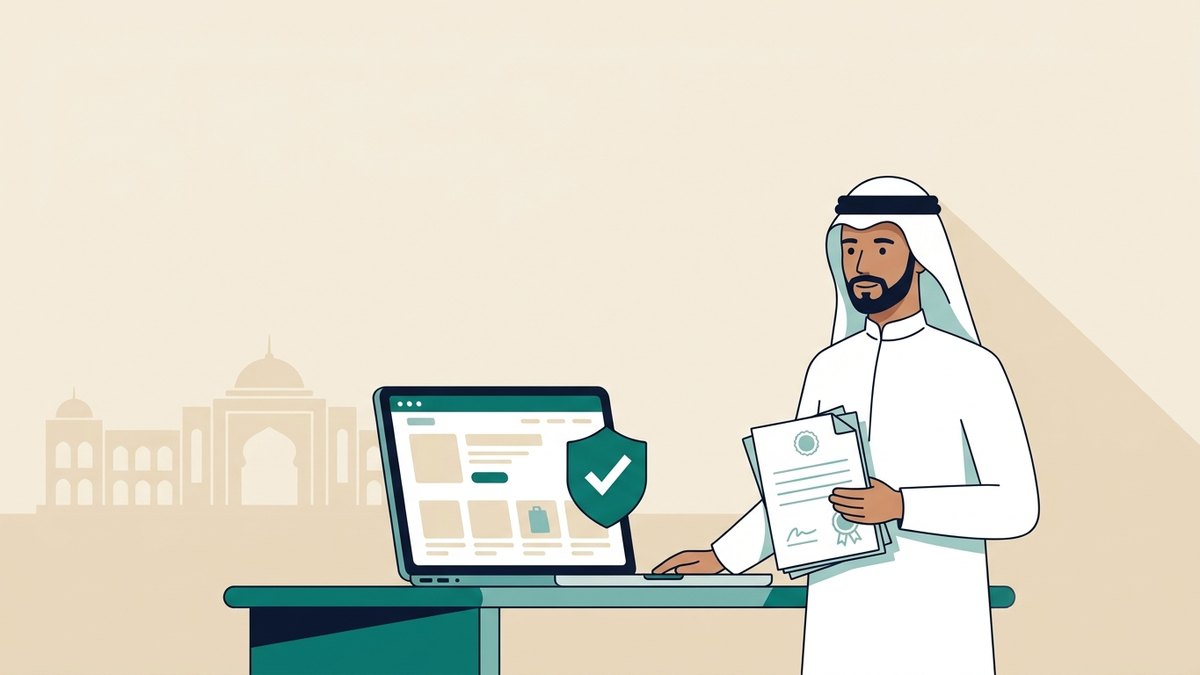
Many merchants confuse three things that sound alike: holding a freelance document or commercial registration, verifying the store inside the platform to enable payments, and obtaining the government e-commerce verification certificate. The first is a precondition for the others; the second never replaces the third.
This guide separates the three, then walks through the certificate as it works today, and how your customer checks it.
Three kinds of “verification”
| Type | Issued by | What it unlocks |
|---|---|---|
| Freelance document / commercial registration | Freelance platform or Ministry of Commerce | The legal basis to trade, and a precondition for the rest |
| In-platform verification (KYC) | Your platform's dashboard (Salla, Zid, The Zum…) | Enabling payment gateways and linking your bank account |
| E-commerce verification certificate | Business Platform — Saudi Center for Business | The official trust badge customers see on your store |
What the e-commerce certificate is
A free certificate issued by the Business Platform of the Saudi Center for Business. It shows that the store is registered with an official body and linked to a valid licence and a bank account. Verification moved there from the older “Ma'roof” platform, and the Business Platform is now the recognised place to verify e-commerce stores in the Kingdom.
Its real value is not the paper: it is the badge and link shown on your store page. A hesitant buyer is looking for any signal that says “this store is real, not a temporary account”.
Requirements
- A valid document: an active commercial registration, or an active freelance document in your name.
- A matching bank account: a business account in the entity's name if you have a CR, or a personal account in the document holder's name for freelancers.
- A live online store: a working link with a returns policy, terms and conditions, and clear contact details.
- Consistent data: name, document number and IBAN must match across the store, the licence and the bank. This is the most common reason for rejection.
From start to badge
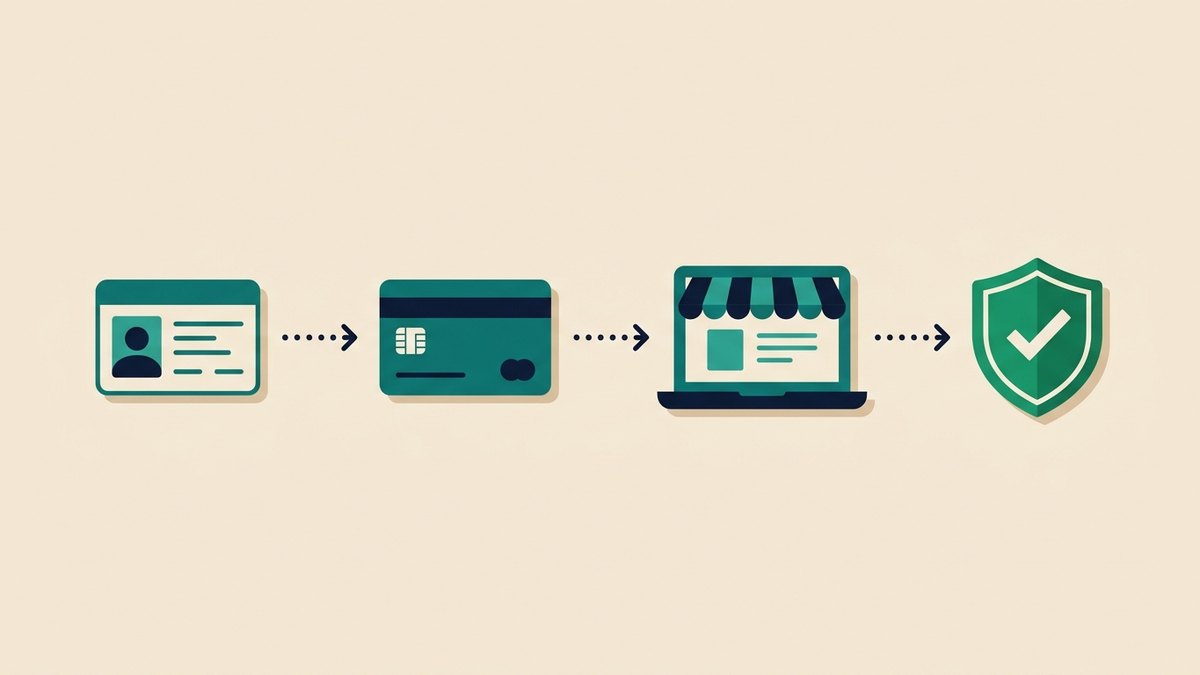
- Prepare your document. Without a CR, a freelance document is issued online in minutes for Saudi nationals. Residents need a commercial registration.
- Complete your store pages. Returns and exchange policy, terms and conditions, privacy policy, and a phone number or email. An empty store gets rejected or delayed.
- Open the Business Platform, request the e-commerce verification service, and enter the document number, IBAN and store link.
- Receive the certificate number and keep a PDF copy. The certificate is free — nobody needs to buy it for you.
- Add it in your platform. In Salla you enter the number on the store verification page and the badge appears in your footer automatically. Elsewhere, look for a “government verification” option or add the link manually.
Renewal: the date everyone forgets
The certificate follows the validity of your licence. When the licence expires, the certificate expires and the badge disappears from your store without much warning. Set a reminder a month early, renew the licence first, then the certificate. The store keeps running — but a customer who clicks a dead badge loses trust faster than one who never saw a badge at all.
How a customer checks a store
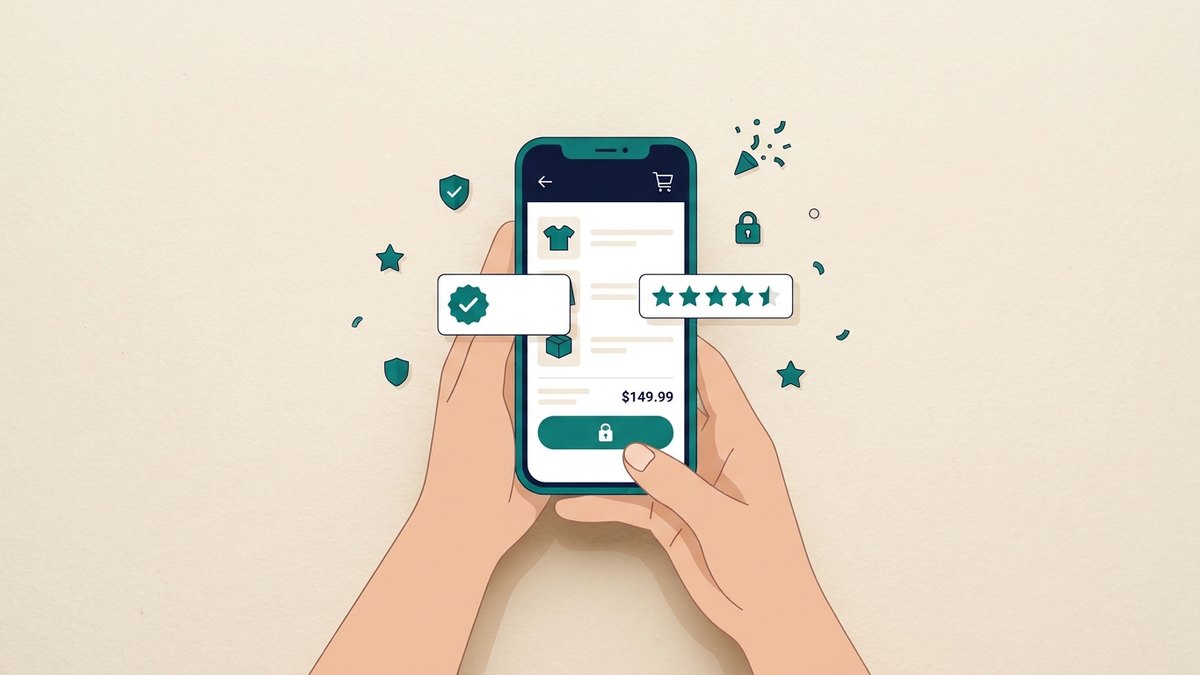
- Click the badge: a real badge opens the certificate on an official page; a screenshot does not.
- Check the domain: does the certificate name the domain you are browsing? A badge pasted from another store is a red flag.
- Look up the entity: the business name or CR number can be checked through Ministry of Commerce services.
- Read the policy pages: a store with no returns policy or contact route is not trustworthy, badge or not.
- Check the payment method: paying through a known gateway (Mada, cards, wallets) gives you a route to dispute; a personal transfer does not.
Is verification required to open a store?
No. You can open a store and sell without a licence, especially while testing. The document becomes practically mandatory at three points: enabling a payment gateway that requires merchant verification, selling products that need a permit, or when a customer or partner asks for official proof.
On The Zum you start free with no documents and no card, then complete verification when you need it — instead of it blocking your launch on day one. If your question is about the paperwork itself, start from opening a store in Saudi Arabia and the FAQ.
Common mistakes
- Assuming platform verification is enough. Bank verification inside Salla or Zid is not a government certificate and does not show as a trust badge.
- Mismatched account names. A personal bank account with an entity's licence equals a rejection.
- No policy pages. An empty store link is rejected even with a perfect licence.
- Paying a middleman. The certificate is free. Anyone charging to “speed it up” is selling a service you do not need.
- Forgetting renewal. An expired badge is worse than none.
Frequently asked questions
Is the e-commerce verification certificate free?
Yes, it is issued free by the Business Platform. What you may pay for is the underlying licence (commercial registration or freelance document renewal), not the verification.
Can residents verify a store?
The freelance document is for Saudi nationals. Residents verify by establishing an entity and obtaining a commercial registration.
Do I need a commercial registration to start?
Not to start, yes to scale, to enable some gateways, or to import. The distinction between a freelance document and a commercial registration is explained in the FAQ.
How long does the certificate take?
It is issued online and can arrive the same day when the data matches and the licence is valid. Delays usually come from a name or IBAN mismatch, or missing store pages.
Does the badge appear automatically?
In Salla yes, once you enter the certificate number on the store verification page. Other platforms may require you to add the certificate link to your footer manually.
Sources: the Business Platform (Saudi Center for Business), the Ministry of Commerce announcement moving verification from Ma'roof to the Business Platform, and Salla's help centre. This is guidance, not legal advice; check current requirements before applying.